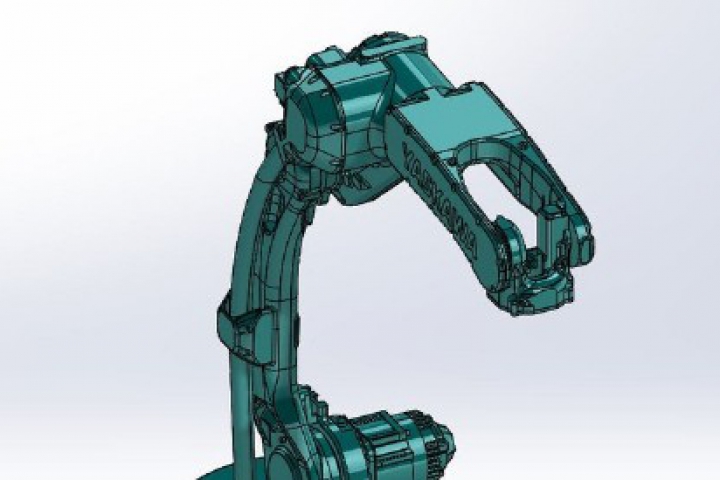
Robot MOTOSIM Training Course

Robot MOTOSIM Training Course

NX100 / DX100 / DX200 / YRC1000

Training Content :

  1. Data saving from Motosim.
  2. Create new file.
  3. Opening CMOS file.
  4. Explanation of Model Cadtree.
  5. Import 3D from Model library.
  6. Import 3D from user file.
  7. Change the origin 3D file.
  8. Simulation program.
  9. Setting of the Model Script.
  10. I/O setting.
  11. Create VDO file.
  12. Test (Practices)

Basic knowledge :

Having experience Robot basic operation and instruction training course

Tool and Equipment prepared by company :

-

Training duration :

1 Day  (9.00 am - 05.00 pm)

Number of participants/Time :

2 - 6 people

Training location :

YASKAWA Head Office Bangkok / YASKAWA Office Chonburi (Pinthong 3)

Contact us to request training course or get a consultation with experienced engineers trainer at

Mr. Kitisak

Phone : 02-017-0099

E-mail : [email protected]

Remark : The course outline may change without informed in advance